
Is this game worth buying? I hear it's a lot more customizable than RPG Maker 3 and was wondering if this is true. Also is it a lot harder than RPG Maker 3? I'm considering buying it for games I want to make that wouldn't exactly fit in with RPG Maker 3.
-
-
Re: So I was thinking...
Using RPG maker 2 you can basically make anything you want.
The learning curve for RPG Maker 2 is much more steep though and I would reccomend either getting the guide and making the little game that is included in the front or reading an FAQ and starting off small.1) Statement 2 is true
2) Statement 1 is false -
Re: So I was thinking...
Would it be possible to make a futuristic themed game with RPG Maker 2?Comment
-
Re: So I was thinking...
Maybe with some tweaking. You might have to ask someone who is more familiar with the software. (I don't use it very much.)1) Statement 2 is true
2) Statement 1 is falseComment
-
Re: So I was thinking...
Yes but get ready to learn to love the VFX editor. There are ways to make skyscrapers, and it includes a couple of robot character models. Of course I'm sure with some careful use of color on the characters you can make some of them look like androids (Dragaron made a MegaMan looking guy, complete with Buster shots). And with the VFX you can make guns or any type really (I personally crafted a sniper rifle, based on a revolver made by TheFinalRune). Once I get back to actually working on my game one of the continents will have a modernistic/near future setting. I was also able to make something that looks like a jet. I'll link to some pics of stuff I've made tomorrow once I finish the overhaul of my website (it needed one). Actually it's still on my old site here http://www.prism.gatech.edu/~gtg445h/RPGMaker2.html. Though that page will still be there tomorrow a lot will have changed about it, but those images on there will still be on the site, just maybe not in the same place.
So yeah it's completely possible, I would recommend checking out tabloid as he does a nice office setting using RPGMaker 2, complete with water fountain, computer and telephone. It will just take a bit of work since the default is typical medieval fantasy like all the others, but there are some default things for futuristic stuff as well. So really you just have to be creative and you can make almost anything you want with RPGM2. Just be ready to learn, cause there is so much to learn about.Comment
-
Re: So I was thinking...
Very cool I'll have to look into buying this. What is the VFX Editor though?Comment
-
Re: So I was thinking...
It's one of the editors in RPGMaker 2 where you make various special effects. These can be used anywhere in the game and can almost anything as people have made Cows, Jets, Guns, Weapon animations, Spell animations, missle animations, and all kinds of things with it. It takes a bit of work as you have to take the basic objects they give you (thinks like boomerangs, and such) and learn to make them look like what you want. The sniper rifle I made was made from three aura effects (normal blended and strecthed) and a streched boomerang. Once you get the game it will make a lot more sense or check out Rodak's guide http://www.doanthenado.com/files/RodakVFX.html.
Another game worth looking at for futuristic stuff is Zone of Silence. I have some screens in this zip file http://www.prism.gatech.edu/~gtg445h...eOfSilence.zip. These will eventually be on the Pavilion Main site, once I finish the rest of the games and Valk finished updating it with screenshots.Last edited by thetruecoolness; 06-25-2006, 03:45 PM.Comment
-
Re: So I was thinking...
It is an editor that is used for making things like spell animations (among other things) that can be used basically anywhere within the game. In RPGM2, you do not make a spell's animation while creating the spell, you make it beforehand, and tell the spell to use that animation. It allows you to have a bunch of effects occur, though, whether you're in battle or not. They can be used for things like flames on candles, smoke from chimneys, and more, as well. However, if you're planning on getting RPGM2, expect to take longer to finish your game than you would with RPGM3. It is a bit slower to make things with, and has a bit of a learning curve..Comment
-
Re: So I was thinking...
Yeah, it does have a pretty large learning curve. Some options such as movement and talking are real basic, some you're gonna have to get used to, and still others I would only recommend to advanced users. I would recommend spending the first week or two trying out all the options and seeing how they work, getting the hang of things before you try your first project on it. That way you'll have a bit of a better idea of what you're doing and we won't have to hold your hand every step of the way."What if like...there was an exact copy of you somewhere, except they're the opposite gender, like you guys could literally have a freaky friday moment and nothing would change. Imagine the best friendship that could be found there."Comment
-
Re: So I was thinking...
Science Fiction Anyone?"
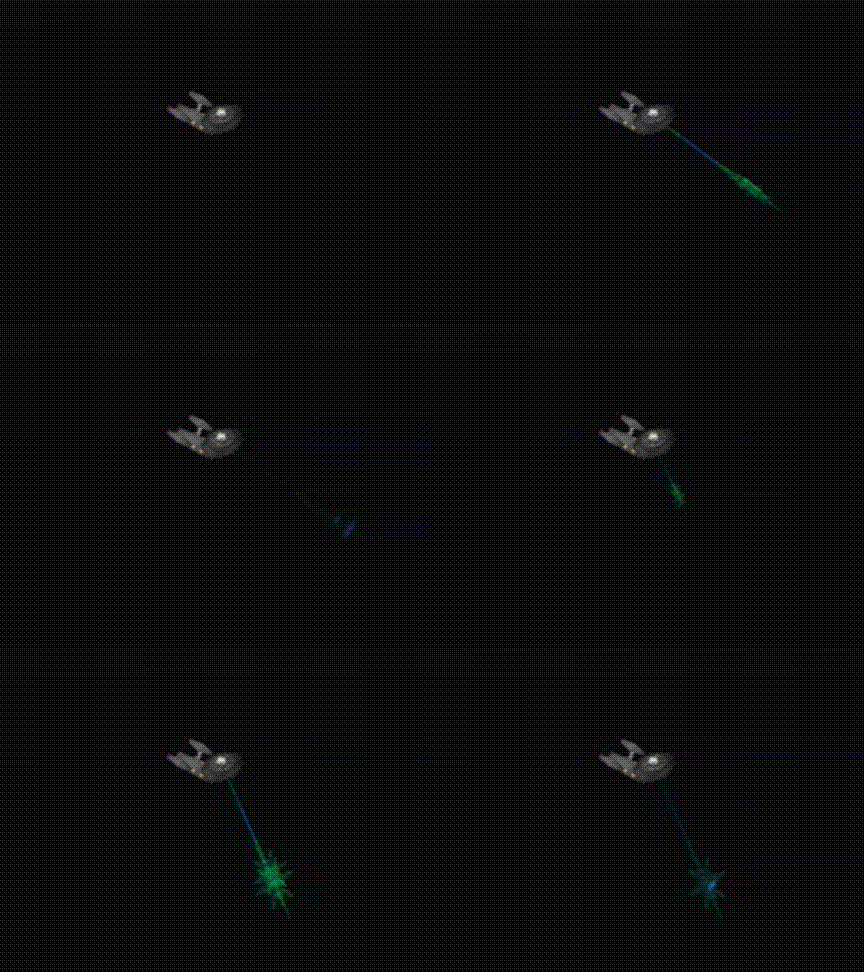
The full guide preview is linked to in my signature.
One day I'll finish it, but it is still a great visual tour of what you can do.
Have fun...
Peace.
MOO!


Comment
-
Re: So I was thinking...
Oh my gawd This is just what I wanted... Now I just gotta get RPG Maker 2, no matter how hard it is. Once I finish my current RPG Maker 3 project I'll go buy RPG Maker 2 and go crazy.Comment
-
Re: So I was thinking...
Here's hoping you're a pretty dedicated person, then."What if like...there was an exact copy of you somewhere, except they're the opposite gender, like you guys could literally have a freaky friday moment and nothing would change. Imagine the best friendship that could be found there."Comment
-
Re: So I was thinking...
Just ask if you have any questions, someone'll answer them (maybe me, since it'll be about RPGM2)..Comment
-
Re: So I was thinking...
I just can't stand the lego graphics lol... I've never known myself as someone obsessed with graphics but I can't stand them lol ><Comment
-
Re: So I was thinking...
Then don't use the humans!Originally posted by H2SO4
I don't... except rarely.
If making Sci Fi then anything goes!
Look at my signature for the great Cow made by Bigfoot and myself in collaboration!
If you don't like the looks, adapt!
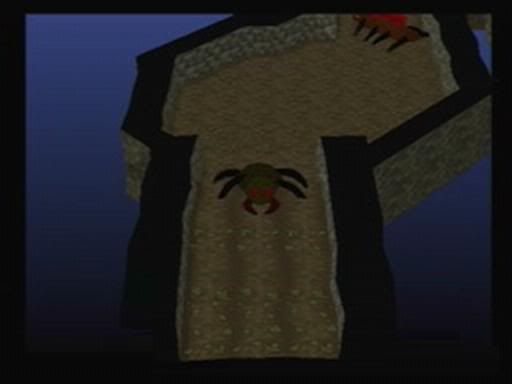
The picture is dark, but you can see a few Bugger Bugs I made!
Who Needs Humans, anyway?
MOO!
Comment


 5198-2124-7210 Smash
Comment