

wants answered. The question is for rpg maker 3. (i'll get to the question in a second) I've been reading a lot of topics on forums and a lot of you gamers out there seem to have the logic or experience with creating rpg's using rpg maker 2, or 3... so here is my QUESTION....can someone give an example of how to use variables, every event option in a very simple way? when i used rpg maker 2003(dont know who all is familar with it) but when you use switches, to open a chest....how can you do that in rpg maker 3? and how can you make an auto start event only happen once and never again like in rpg maker 2003? yes rpg maker 2000 and 2003 is very much better but, i already bought rpg maker 3 for ps2 and i dont want to waste my money so please someone help me with these topics if you can. thank you for all us newbs out there.
-
-
Re: THE QUESTION EVERY NEWB........
I myself need a simple explanation of the variables. I can do anything, but use them? Im just lost? there is no real demonstration on them. Also I cant seem to figure out how to make an event for a person, where they ask you to obtain an item, and bring it back to them? And when you lock out a town, how do you make it so you can enter later, or vice versa? Yes I have many questions, but this is the place to find out huh. PS these questions are pertaining to rpgmaker 3. -
Re: THE QUESTION EVERY NEWB........
To use a variable to make a character react differently you use a "Value Conditional Branch" then select the number of options (in this case 2).
After that you select the variable and set it's values for when things will change.
It then sets up the framework automatically and you go in and set what happens when the selected variable is at the chosen value.
For your purposes, when the desired item is obtained simply increase the variable by one. Then set the conditions such that when the variable = 0 the person asks for the item and when the variable = 1 the person undresses and seduces the entire party leaving them all wet and sticky, but happy.
Or whatever other reaction you had in mind for their reaction when they have the item.
Since variables cannot be renamed I suggest making a dummy event that is just a scripted list of what each variable was used for. That way you can't lose your notes!
And don't feel bad about being disappointed in RPGM3, that seems to be the concensus. Sure, some people like it best... but even they acknowledge it's limitations.
I suggest RPGM2 if you want more customizability.
I hope that helped. If you have questions, feel free to ask.
Here is an old explanation of very basic variable use I have posted a few times:
If you can use flags (switches in RPGM1) you can use variables.
Instead of turning on your flag (or flipping your switch) just set your variable equal to one. Variables all begin with a value of zero, so it is just like a bank of switches all set to off.
As you get good at this limited use, you will find many more.
If anyone has specific questions, just ask.
I hope that helps.
Peace.
<><><>
EDIT:
<><><>
Oh... sorry, I missed the first question here.
To make an auto event execute just once you need to change "modes" by using one of the mode commands.
Try adding one to the mode and using the Control Stop command in mode 2.
If that does not do it... ask again!
Peace.
MOO!


Comment
-
Re: THE QUESTION EVERY NEWB........
Yes that was acctually very helpful! Yeah I played part 2, and took it back to the store, because I thought the graphics sucked, and I couldnt get anyone to play it because of this fact. But it was soooo much more versitile. Shame you cant mix the level of detail in the game from rpg2, and the graphics of rpg3, but with some of the nice new features like not having to flag every treasure chest, and adding the animations to every one ya know. But thank you very much dude!Comment
-
Re: THE QUESTION EVERY NEWB........
Ah, if only you found this place sooner. We'd have played them.the graphics sucked, and I couldnt get anyone to play it because of this fact.
Trust me, I had the same problem with my RPGM1 games that I tried making people play. They just didn't want to play them because the graphics didn't look like Final Fantasy 8 or 9. Personally, I think this is kinda a stupid reason. I mean, as long as the game you make is fun, one shouldn't care too much about the quality of the graphics. Now, not liking the LEGO look I can understand more. One could potentially create a dark game with RPGM2 (I have one in development myself, not so much dark as it is serious), even with the cartoony graphics, but some people can't get past the otherwise bright looks."What if like...there was an exact copy of you somewhere, except they're the opposite gender, like you guys could literally have a freaky friday moment and nothing would change. Imagine the best friendship that could be found there."Comment
-
Re: THE QUESTION EVERY NEWB........
Ahhh, but with the Visual Effects Editor you can make your own characters!
Here is a playable bug:
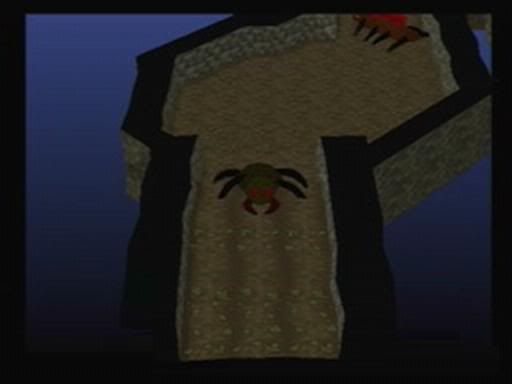
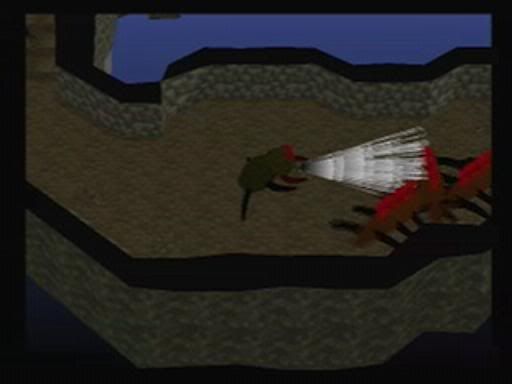
And even a Space Station:
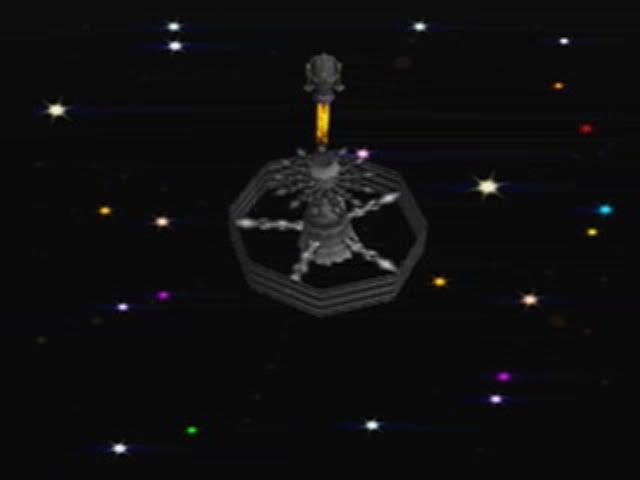
So the graphics limitations can be overcome!
Peace.
MOO!
Comment
-
Re: THE QUESTION EVERY NEWB........
It's not perfect, though. It seriously needs some flat-shaded objects. Everything either has a texture I don't want, or has a color I can't get around."What if like...there was an exact copy of you somewhere, except they're the opposite gender, like you guys could literally have a freaky friday moment and nothing would change. Imagine the best friendship that could be found there."Comment
-
Re: THE QUESTION EVERY NEWB........
This all sounds amazingly complex, I want to get my hands on RPG maker 2 now....so much customization!Comment
-
Re: THE QUESTION EVERY NEWB........
Search around online, you might be surprised what kind of deal you might get... I found RPG maker 2 complete for $10.42 with free shipping. Needless to say I jumped on it. Even if I don't make anything with it, I can at least check out what others created on it.
Comment
-
Re: THE QUESTION EVERY NEWB........
Well of course it's not perfect... it's a console RPGMaker.Originally posted by Draygone
If you want that level of customization you may be best off learning a proper programming language.
As much as I love it, I am always finding things I would change if I could in RPGM2.
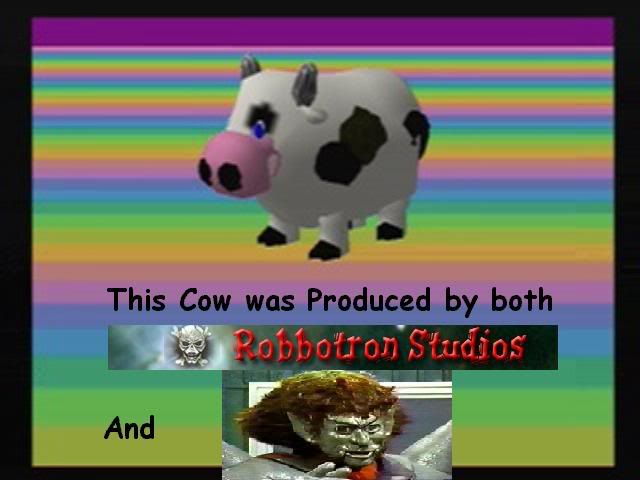
Given that, I think it is the best you'll find in a console RPGMaker. Maybe the "next" one (which cannot be less than 2 years away in my opinion) will have those basic polygons and deeper customization and even a playable Cow!
Until then I'll use this one:
Peace.
MOO!
Comment
-
Re: THE QUESTION EVERY NEWB........
And not only can it do awesome custom visuals, it can do awesome custom gameplay: http://www.pavilionboards.com/forum/...ead.php?t=4003
And, with the vfx editor, I often find the same roadblocks draygone does and it does hinder what one can do with it.
Anyways, to stay on topic, just gradually build on what you know and soon enough you'll be doing some awesome things.Comment
-
Re: THE QUESTION EVERY NEWB........
I'm a newbie too and I dont find any threads with this question, so: what means the "turn flare on/off" in the Story Settings?Comment
-
Re: THE QUESTION EVERY NEWB........
It is an on screen visual effect around the sun giving it several "reflections" of the sort that can be seen through a camera lens.
It just makes the sky look different.
Turn it on and look at the sky!
Peace.
MOO!
Comment
-
Re: THE QUESTION EVERY NEWB........
Okay....this thread got a little off track, but one of the earliest questions on the thread was never answered. When you make a town so you cannot enter it at the outset of the game, what do you have to do so you can enter it later in the game?Comment
-
Re: THE QUESTION EVERY NEWB........
In an event, go to the Property Control command list, and use Modify Town Property and use the Enter Setting option to enable entry to the town. You could also use the Modify Dungeon Property command to do the same with dungeons.
Certainly is a nice feature of the game, so that I wouldn't have to worry about the player trying to bypass areas when they shouldn't."What if like...there was an exact copy of you somewhere, except they're the opposite gender, like you guys could literally have a freaky friday moment and nothing would change. Imagine the best friendship that could be found there."Comment
Comment